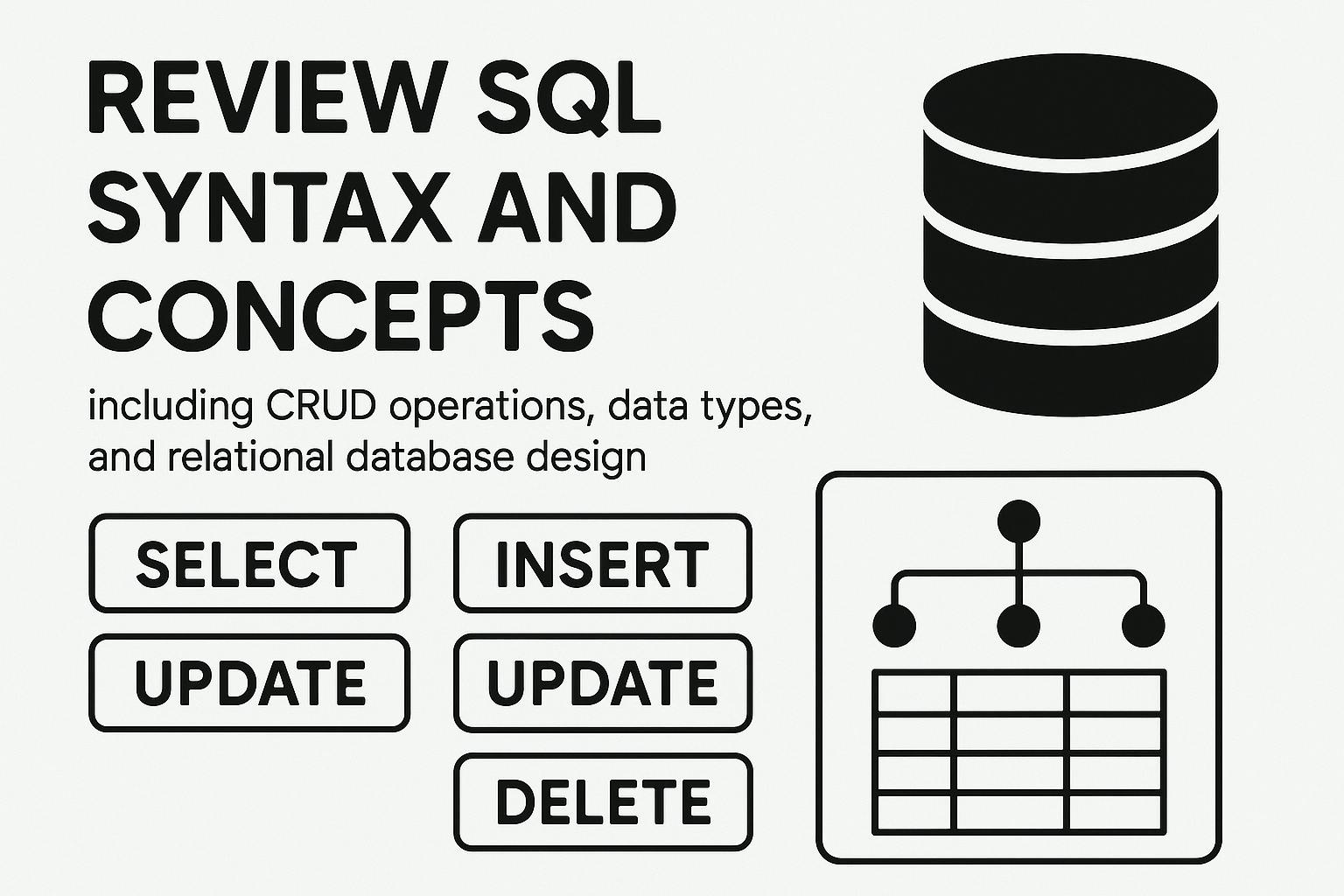
Review SQL syntax and concepts, including CRUD operations, data types, and relational database design.
Published on: 2025-07-25
What is a database?
A database is an organized collection of structured data, typically stored and accessed electronically.
What are the types of databases?
There are several types of databases, including relational databases (e.g. MySQL, Oracle), NoSQL databases (e.g. MongoDB, Cassandra), and graph databases (e.g. Neo4j).
What is a relational database?
A relational database is a type of database that organizes data into one or more tables (relations) of columns and rows, with a unique key identifying each row. The relationships between the tables are defined using foreign keys, which allow data in one table to be linked to data in another table. The relational database model is based on the mathematical concept of a relation and is widely used in various applications to store, manage and retrieve data efficiently. Examples of relational databases include MySQL, Oracle, and Microsoft SQL Server.
What is SQL?
SQL (Structured Query Language) is a standard language used to interact with and manage relational databases.
What is a primary key?
A primary key is a unique identifier for each record in a table, used to enforce referential integrity and to ensure that no two records have the same key.
What is a foreign key?
A foreign key is a column in a table that refers to the primary key of another table, creating a relationship between the two tables.
What is normalization?
Normalization is the process of organizing a database into tables and establishing relationships between the tables to minimize redundancy and improve data consistency.
What is ACID?
ACID is an acronym that stands for Atomicity, Consistency, Isolation, and Durability, and refers to the properties that ensure the reliability and consistency of a database transaction.
What is a transaction?
A transaction is a sequence of database operations that are executed as a single unit of work, either all committed or all rolled back.
What is an index?
An index is a data structure used to improve the speed of data retrieval operations on a database table.
What is a stored procedure?
A stored procedure is a precompiled collection of SQL statements stored in a database and executed by calling the stored procedure rather than executing the individual statements.
What is a trigger?
A trigger is a special type of stored procedure that is automatically executed in response to a specific event, such as an insert, update, or delete operation on a table.
What is a view?
A view is a virtual table that is based on the result of a SELECT statement and can be used to simplify complex queries.
What is a subquery?
A subquery is a SELECT statement that is nested inside another SELECT, INSERT, UPDATE, or DELETE statement and is used to return data that will be used in the main query.
What is a join?
A join is an operation used to combine rows from two or more tables into a single result set based on a related column between the tables.
What is a union?
A union is an operation used to combine the results of two or more SELECT statements into a single result set.
What is a constraint?
A constraint is a rule that enforces data integrity in a database table by restricting the data that can be inserted, updated, or deleted.
What is a cascade delete?
A cascade delete is a type of constraint that automatically deletes all related records in another table when a record is deleted in the main table.
What is data warehousing?
A data warehousing is a type of database system designed to support business intelligence activities, such as data analysis and reporting.
What is OLAP?
OLAP (Online Analytical Processing) is a category of software technology that is used to support complex data analysis and reporting.
What is ETL?
ETL (Extract, Transform, Load) is a process used in data warehousing to extract data from various sources, transform the data into a format suitable for analysis, and load the data into a data warehouse for analysis and reporting.
What is a data mart?
A data mart is a subset of a data warehouse that is focused on a specific subject area, such as sales, marketing, or finance.
What is a data model?
A data model is a representation of the data structures used in a database, including tables, columns, relationships, and constraints.
What is an ER diagram?
An ER diagram (Entity Relationship diagram) is a graphical representation of entities and their relationships to each other, used in designing a database.
What is a schema?
A schema is a logical description of the structure of a database, including the tables, columns, and relationships between tables.
What is a partition?
A partition is a logical division of a table into smaller, more manageable pieces, often used to improve query performance or to manage large amounts of data.
What is a materialized view?
A materialized view is a precomputed view of data stored in a database, used to improve query performance for complex or time-consuming queries.
What is a NoSQL database?
A NoSQL database is a type of database that does not use a relational model, and is designed to handle large amounts of unstructured or semi-structured data.
What is a document-oriented database?
A document-oriented database is a type of NoSQL database that stores data as documents, rather than tables, and is designed to handle complex hierarchical relationships between data.
What is a column-oriented database?
A column-oriented database is a type of database that stores data in columns, rather than rows, and is designed to improve the performance of data analysis and reporting.
Here are some common database commands used in SQL (Structured Query Language):
SELECT: used to retrieve data from a database.
Example: SELECT * FROM customers;
INSERT: used to insert new data into a database.
Example: INSERT INTO customers (name, address, city) VALUES ('John Doe', '123 Main St', 'New York');

UPDATE: used to modify existing data in a database.
Example: UPDATE customers SET city = 'Los Angeles' WHERE name = 'John Doe';

DELETE: used to delete data from a database.
Example: DELETE FROM customers WHERE name = 'John Doe';

CREATE: used to create a new database object, such as a table, index, or view.
Example: CREATE TABLE customers (id INT PRIMARY KEY, name VARCHAR(50), address VARCHAR(100), city VARCHAR(50));

ALTER: used to modify an existing database object.
Example: ALTER TABLE customers ADD email VARCHAR(100);

DROP: used to delete a database object.
Example: DROP TABLE customers;

INDEX: used to create an index on a table.
Example: CREATE INDEX idx_customers_name ON customers (name);

JOIN: used to combine data from two or more tables based on a common column.
Example: SELECT * FROM customers JOIN orders ON customers.id = orders.customer_id;

GROUP BY: used to group data based on one or more columns.
Example: SELECT city, SUM(total) FROM orders GROUP BY city;

DISTINCT: used to return only unique values in the result set.
Example: SELECT DISTINCT city FROM customers;

WHERE: used to filter data based on certain conditions.
Example: SELECT * FROM customers WHERE city = 'New York';

LIKE: used to match values based on a pattern.
Example: SELECT * FROM customers WHERE name LIKE 'John%';

INNER JOIN: used to return only matching rows from both tables.
Example: SELECT * FROM customers INNER JOIN orders ON customers.id = orders.customer_id;

LEFT JOIN: used to return all rows from the left table and matching rows from the right table.
Example: SELECT * FROM customers LEFT JOIN orders ON customers.id = orders.customer_id;

RIGHT JOIN: used to return all rows from the right table and matching rows from the left table.
Example: SELECT * FROM customers RIGHT JOIN orders ON customers.id = orders.customer_id;

FULL OUTER JOIN: used to return all rows from both tables, with NULL values for non-matching rows.
Example: SELECT * FROM customers FULL OUTER JOIN orders ON customers.id = orders.customer_id;

COUNT: used to count the number of rows in a result set.
Example: SELECT COUNT(*) FROM customers;

SUM: used to return the sum of values in a column.
Example: SELECT SUM(total) FROM orders;

AVG: used to return the average of values in a column.
Example: SELECT AVG(total) FROM orders;
MIN: used to return the minimum value in a column.
Example: SELECT MIN(price) FROM products;

MAX: used to return the maximum value in a column.
Example: SELECT MAX(price) FROM products;

GROUP BY: used to group data based on one or more columns.
Example: SELECT city, SUM(total) FROM customers GROUP BY city;

HAVING: used to filter groups based on conditions.
Example: SELECT city, SUM(total) FROM customers GROUP BY city HAVING SUM(total) > 10000;

UNION: used to combine the result sets of two or more SELECT statements.
Example: SELECT city FROM customers UNION SELECT city FROM suppliers;

INTERSECT: used to return only the matching rows from two or more SELECT statements.
Example: SELECT city FROM customers INTERSECT SELECT city FROM suppliers;

EXCEPT: used to return the unique rows from the first SELECT statement that are not in the second SELECT statement.
Example: SELECT city FROM customers EXCEPT SELECT city FROM suppliers;

UPDATE: used to modify data in a table.
Example: UPDATE customers SET city = 'London' WHERE id = 1;

DELETE: used to delete data from a table.
Example: DELETE FROM customers WHERE city = 'London';

DROP: used to delete a table or other database object.
Example: DROP TABLE customers;
Subqueries: used to return data from one query based on the result of another query.
Example: SELECT * FROM orders WHERE customer_id = (SELECT id FROM customers WHERE name = 'John Doe');

Joins: used to combine rows from two or more tables based on a related column.
Example: SELECT customers.name, orders.total FROM customers JOIN orders ON customers.id = orders.customer_id;

Inner Join: returns only the matching rows from both tables.
Example: SELECT customers.name, orders.total FROM customers INNER JOIN orders ON customers.id = orders.customer_id;

Left Join: returns all rows from the left table (table 1),
and the matching rows from the right table (table 2).
The result will have NULL values for non-matching rows from the right side.
Example: SELECT customers.name, orders.total FROM customers LEFT JOIN orders ON customers.id = orders.customer_id;

Right Join: returns all rows from the right table (table 2), and the matching rows from the left table (table 1).
The result will have NULL values for non-matching rows from the left side.
Example: SELECT customers.name, orders.total FROM customers RIGHT JOIN orders ON customers.id = orders.customer_id;

Full Outer Join: returns all rows from both tables, and includes NULL values for non-matching rows.
Example: SELECT customers.name, orders.total FROM customers FULL OUTER JOIN orders ON customers.id = orders.customer_id;

Indexes: used to improve the performance of SELECT statements. An index allows the database to quickly
locate the rows that match a WHERE clause.
Example: CREATE INDEX idx_customers_name ON customers (name);

Transactions: used to ensure that a series of SQL statements are executed as a single unit of work.
Transactions allow you to roll back changes in case of an error, or commit changes to the database if everything goes smoothly.
Example: BEGIN TRANSACTION; UPDATE customers SET city = 'London' WHERE id = 1; COMMIT;

Views: used to store a SELECT statement as a virtual table. Views can be used to simplify complex queries or to restrict
access to specific columns in a table.
Example: CREATE VIEW vw_customer_orders AS SELECT customers.name, orders.total FROM customers JOIN orders ON
customers.id = orders.customer_id;

Stored Procedures: used to store a series of SQL statements in the database.
Stored procedures can be used to encapsulate complex logic
and to improve performance by reducing the amount of data that needs to be transmitted between the client and the server.
Example: CREATE PROCEDURE sp_update_customer (@id int, @city varchar(50)) AS BEGIN UPDATE customers SET city = @city
WHERE id = @id; END;